Wellsky issues clocking out, and it says they are having a location error. Please have them follow the instructions from Wellsky.
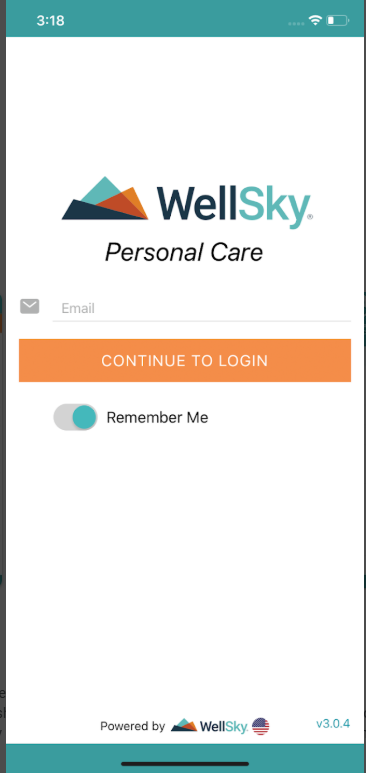
Please note: Caregivers is in the Canadian Server, so the Canadian flag should appear at the bottom of the screen.(See Pix at the bottom)
Some users may encounter location-specific errors when clocking in or out from the WellSky Personal Care mobile app. Follow the steps below to resolve this issue.
Ensure Location Services Are Enabled
On iPhone:
Go to Settings > Privacy & Security > Location Services
Toggle Location Services ON at the top
Scroll to find the app and tap it
Select Always
On Android:
Go to Settings > Location
Toggle Use location ON
Tap App location permissions or App permissions
Find the app and tap it
Select Allow while using the app or Always (if available)
Clear App Data/Cache (If Location Is Already Enabled)
On Android:
Go to Settings > Apps
Find WellSky PC and tap it
Tap Storage
Tap Clear App Data
Tap Clear Cache
Restart your phone
On iPhone:
Go to Settings > General > iPhone Storage
Scroll to find WellSky PC
Tap Delete App
Restart your phone
Re-download WellSky Personal Care from the App Store
|
Rate this Topic:
|
|||
|
